Every project, no matter the industry, is made of three building blocks: work (tasks), stages (phases), and checkpoints (milestones). Mastering these three gives you a clear mental model for planning anything.
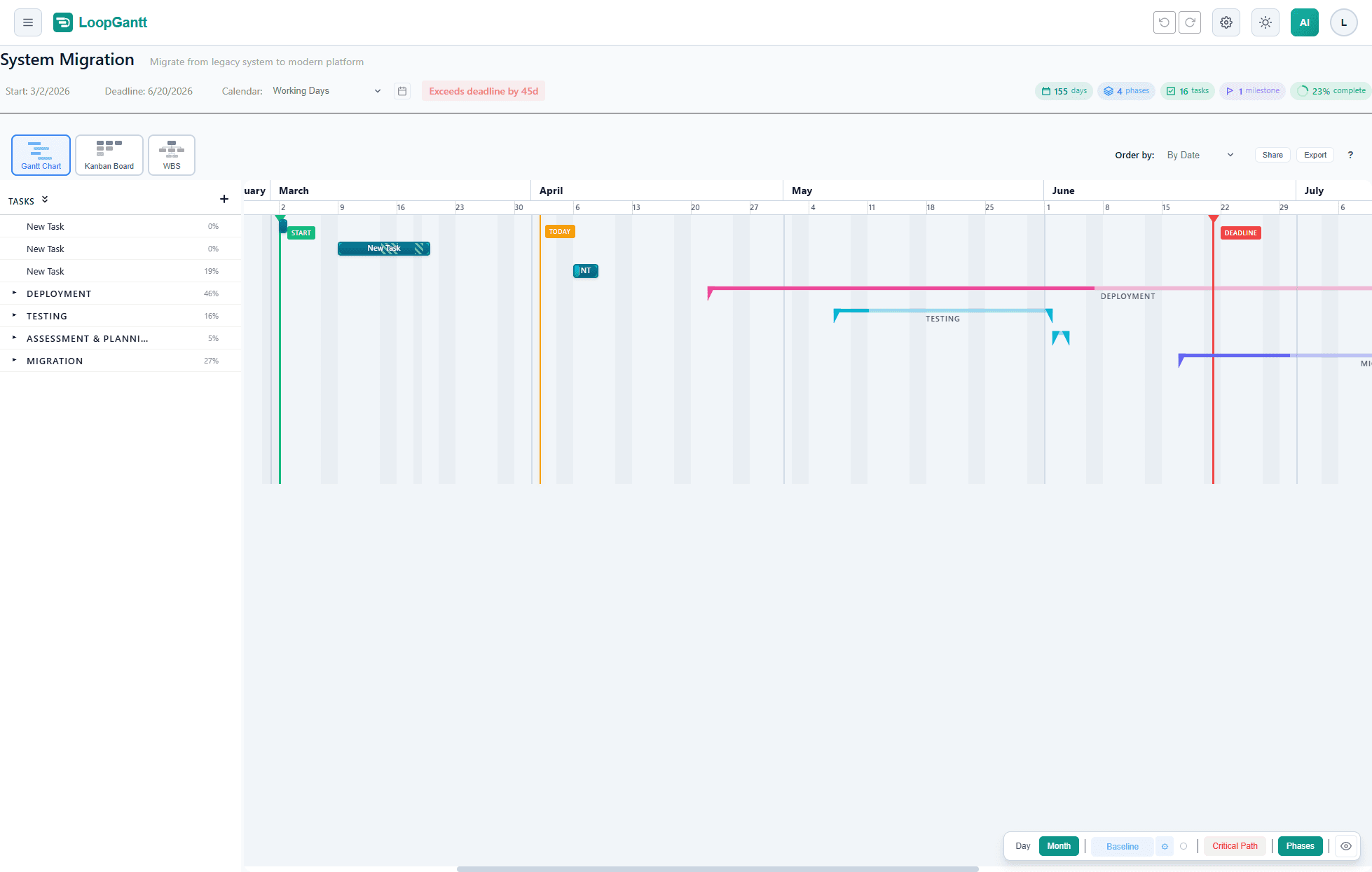
The Work Breakdown Structure (WBS)
Professional project managers decompose large projects into smaller, manageable pieces using a Work Breakdown Structure. The principle is simple: keep breaking work down until each piece is small enough to estimate, assign, and track independently.
LoopGantt implements a two-level WBS: phases at the top and tasks (or milestones) inside them. This is the right level of detail for most projects — too much nesting creates noise; too little loses structure.
Tasks — the unit of work
A task is a discrete piece of work with a defined duration. Good tasks are:
- Specific— "Write API authentication middleware" beats "Backend work"
- Assignable — one owner, even if multiple people help
- Estimable — you can give a duration with reasonable confidence
- Completable— there is a clear definition of "done"
In LoopGantt, set duration in working days (excluding weekends and holidays). If a task spans calendar days but involves only a few work hours, round to the nearest working day.
Task colors
Colors are purely visual — they help you quickly orient yourself in a large chart. Use them to signal priority, team ownership, or work type. Available colors: cyan · blue · green · orange · red · purple · teal · pink · gray · indigo · amber · lime · fuchsia · neon
Checklists
Use checklists to track sub-steps within a task without creating a full dependency chain. They are ideal for recurring processes ("Run linter ✓, Write tests ✓, Get code review…") and acceptance criteria. Click the checklist icon in the task editor to add items.
Phases — grouping by stage
Phases represent the major stages of your project. In project management, stages often correspond to phase gates — formal review points where the team decides whether to proceed. Classic examples:
- Software: Discovery → Design → Development → Testing → Launch
- Construction: Feasibility → Design → Permits → Build → Handover
- Marketing: Research → Strategy → Creative → Campaign → Review
In LoopGantt, a phase automatically spans all its children. You cannot manually set a phase duration — it is always the span from the earliest child start to the latest child end. This means moving tasks automatically updates the phase bar.
Milestones — checkpoints
A milestone is a zero-duration event that marks a significant point: a decision made, a deliverable handed off, a sign-off received, a launch date. Milestones do not represent work — they represent evidence that something happened.
Good milestones to include on every project plan:
- Project kickoff (agreement to begin)
- Requirements sign-off
- Design approved
- Go / No-go decision
- Release or handover
In LoopGantt, milestones appear as diamonds on the Gantt. Set a task's duration to 0 or toggle the Milestone switch in the task editor. You can also set a Desired Date on any task to request a specific start date. The scheduler honors it unless dependencies require a later start.