LoopGantt can import projects from two formats: a structured CSV (compatible with Excel, Google Sheets, and most PM tools) and the LoopGantt JSON format. JSON preserves more detail — all dependency types, colors, and checklists.
How to import
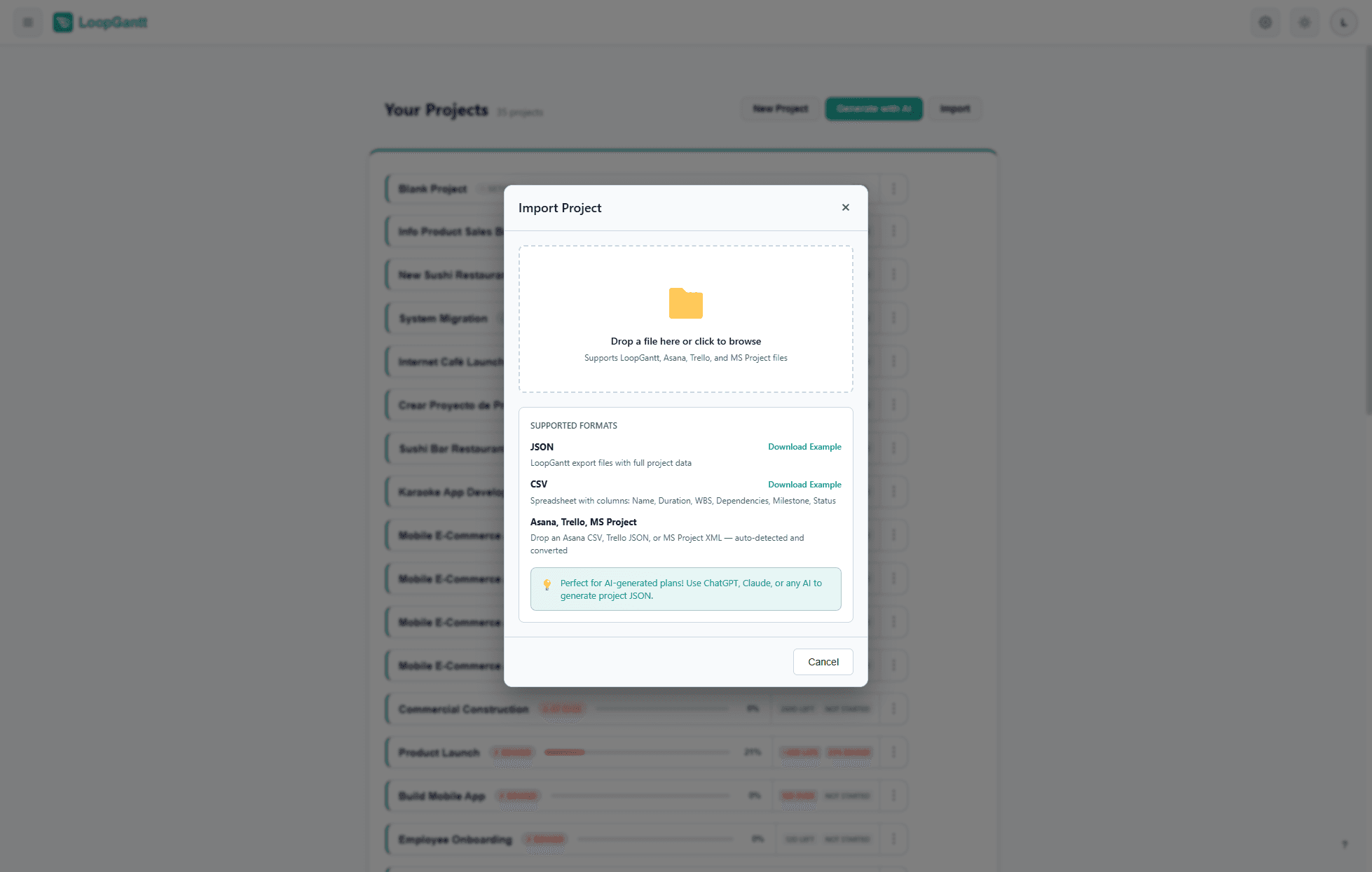
- From the dashboard, click Import (top right).
- Choose Import from CSV or Import from JSON.
- Select your file. A preview shows how the data will be mapped.
- Click Import to create the project.
CSV format
Download the example CSV to see the exact column format. Required columns:
| Column | Required | Description |
|---|---|---|
| Name | Yes | Task or phase name |
| Duration (Days) | Yes | Working days. Use 0 for milestones and phases. |
| Phase | No | Yes to make this row a phase header |
| Milestone | No | Yes to mark as a milestone (duration must be 0) |
| Dependencies | No | Comma-separated: Task Name (FS), Task Name (SS+2) |
| Status | No | not_started · in_progress · completed · on_hold |
| Priority | No | low · medium · high · critical |
| Progress (%) | No | 0–100 |
| Color | No | Accent color: cyan · blue · green · orange · red · purple · teal · pink · gray · indigo · amber · lime · fuchsia · neon |
| Checklist | No | Semicolon-separated items. Prefix [x] for completed items. Example: Design wireframes [x];Get approval;Write docs |
| Description | No | Full task description |
| Notes | No | Internal notes (not shown on export) |
Dependency syntax
Reference predecessors by exact name. Append the dependency type in parentheses. Add a + or - number for lag or lead time (in days).
Design Review (FS)
Backend & API (SS+10)
QA & Bug Fixing (FF)
QA & Bug Fixing (SS-3)
JSON format
The JSON format is more expressive than CSV. Download the example JSON for a complete, annotated reference. Use it as a template when generating projects with ChatGPT, Claude, or Gemini — see Use Your Own LLM.
Importing from other tools
Coming from another PM platform? We have step-by-step guides for the most common ones:
Note: Importing creates a new project. It does not merge into an existing one. Phases cannot have dependencies — if your import file has dependencies on phase rows, they will be skipped.